
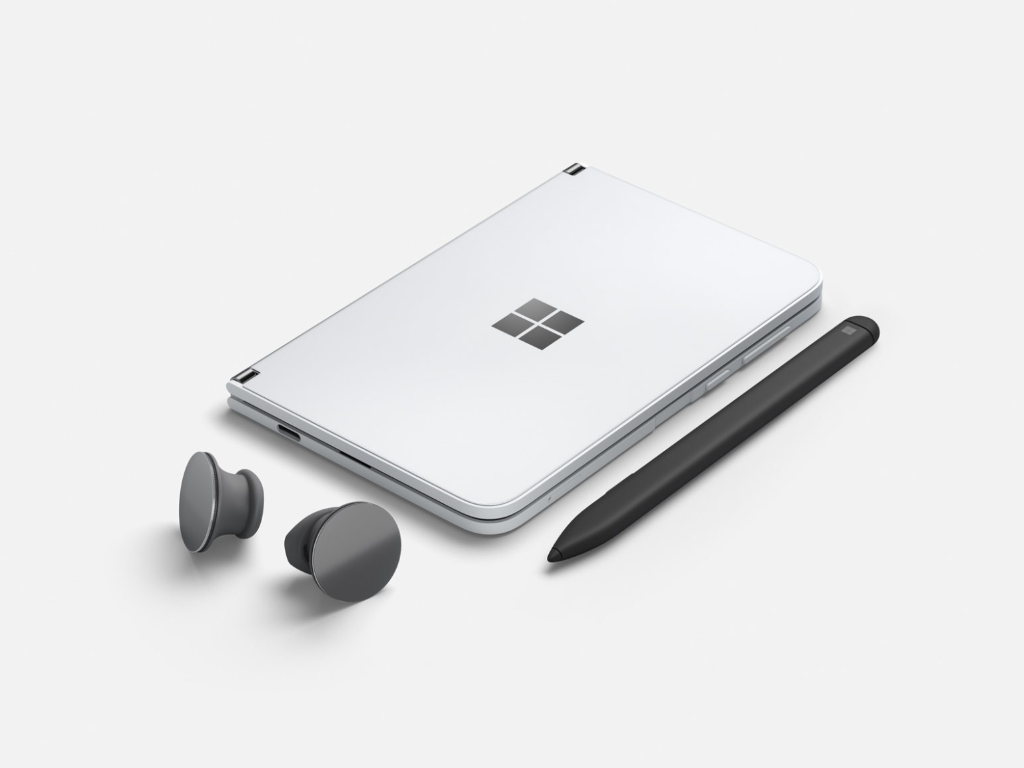

Those eager for Surface Duo now have a bit more detail on how Microsoft’s Android apps will look on the upcoming device. Thanks to a collection of screenshots and a report from Windows Central, we can now see how apps like Outlook, Edge, OneNote and Office can adapt to the phone’s unique dual-screen layout.
Providing more information beyond what we’ve seen in current versions of the Surface Duo emulator, the most interesting of the screenshots reveals how the lock screen and system will behave. According to the report, the Surface Duo’s lock screen is formatted with the time and date displayed on the left, with notifications on the right. Phone calls and other information, meanwhile, will appear on the right, which the device will treat as the main screen for displaying things like texts.
As for standard Android apps, Windows Central says most Microsoft apps will support Duo’s dual-screen and split capabilities. However, some apps like Skype and Xbox Game Streaming don’t support it yet. Some of the preinstalled apps include Office, OneNote, Microsoft Edge, Outlook, To-Do and OneDrive, according to the report. Outlook will be used for contact management and emails from the application will appear on the right screen, with the list of messages on the left. Edge also works the same way, with web pages spanning both screens, with the center hinge cutting across the web page.
It’s also interesting to see how Microsoft’s SwiftKey keyboard will fit the Duo. The report says it can be swiped across both screens, with a special split-thumb mode coming as well. There’s even a special “compose mode” when the Duo is used as a laptop, which will allow SwiftKey to fill the full screen on the lower screen.
Elsewhere, Duo will use the same gestures for app navigation and closing that are available on Android 10. Apps can be closed by swiping up from the bottom and then using gesture navigation. All apps will also open in single screen mode based on the last screen used. The entire user interface is also powered by Microsoft Launcher, which we already knew.
With the Surface Duo releasing seemingly earlier than expected, it’s really interesting to see that these apps seem to be pretty much polished and ready to go. It’s unclear how Windows Central got early access to try out these apps, but we hope everyone can try it out soon, too.

Comments are closed.