
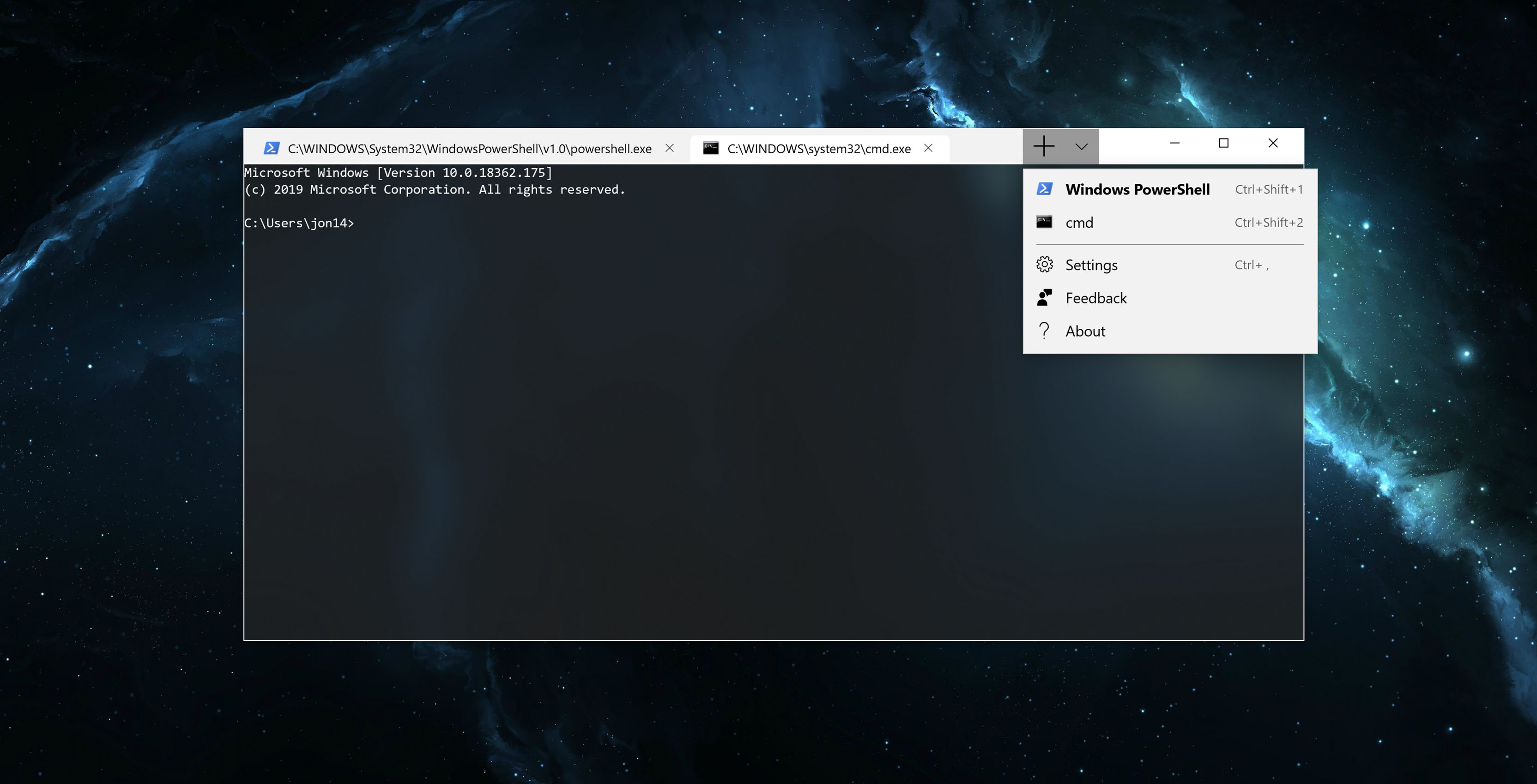

Microsoft’s Windows Terminal is now available in the Windows Store, the command-line application called Windows Terminal was created earlier this year. Earlier in May, Microsoft announced that it was reconsidering the creation of the Windows 10 command-line tool.
It’s worth noting that the Command Prompt won’t be immediately replaced by Windows Terminal, but the company plans to make Windows Terminal the new default command-line tool. However, at this time there are no plans to do so due to compatibility issues and the fact that the new terminal app is being released as a “very early preview” on the Microsoft Store. Kayla Cinnamon, Microsoft’s Windows Terminal program manager, said:
“This is the first of several Microsoft Store preview releases. The Terminal team is working to create a consistent schedule that offers regular previews and more frequent releases for those who want access to the latest features as they arrive. Windows Terminal 1.0 will arrive in the Microsoft Store this winter!”
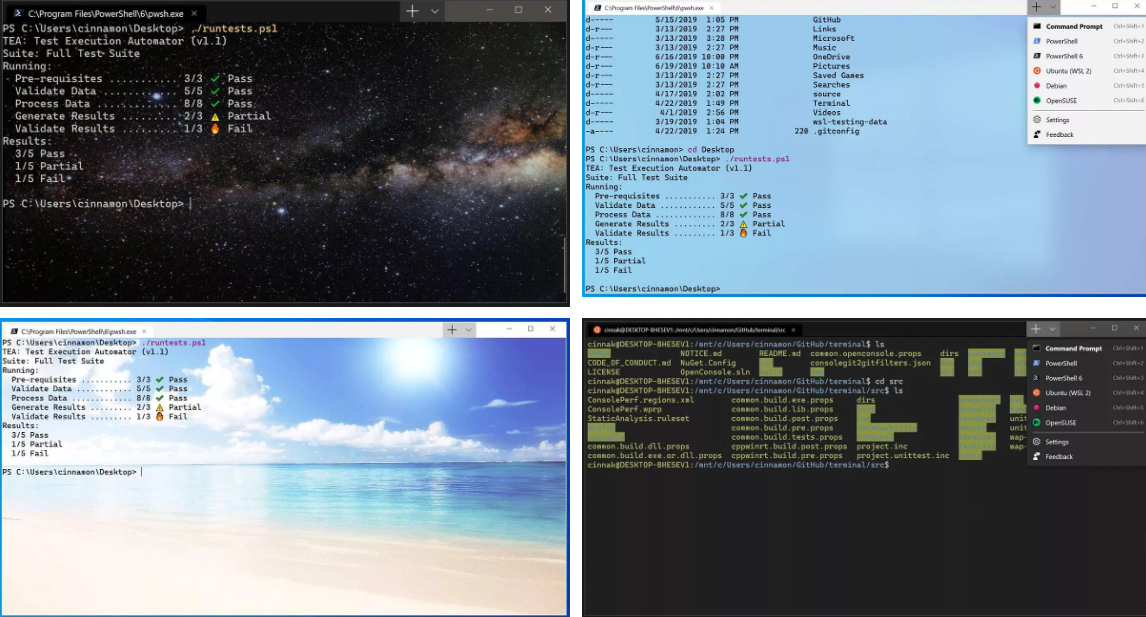
Microsoft’s new Windows Terminal app features an updated interface and support for custom themes, multiple tabs, and many other customization options that you can use to make it a more personalized experience. Additionally, Microsoft has also included GPU-accelerated text rendering and support for various fonts and emojis. So something new and different from a boring and banal Linux terminal.
Before downloading the new app, you should read the description which states that the current preview has usability issues and lacks assistive technology support.
“This very first preview release includes many usability issues, including the lack of assistive technology support.”
Good news for programmers is that Microsoft is also working on improving the performance of Windows Subsystem for Linux (WSL) and for this the company is now bringing the full Linux kernel to Windows 10. The current Windows Terminal is a project open source and for those of you interested can follow the app’s progress on its GitHub.

Comments are closed.